Bokrum
A responsive full-stack application for managing personal books and favourite quotes, with Angular 20, .NET 9 and SQLite.

Adrian
For a public example of my work, check out this project:

A little library of your own
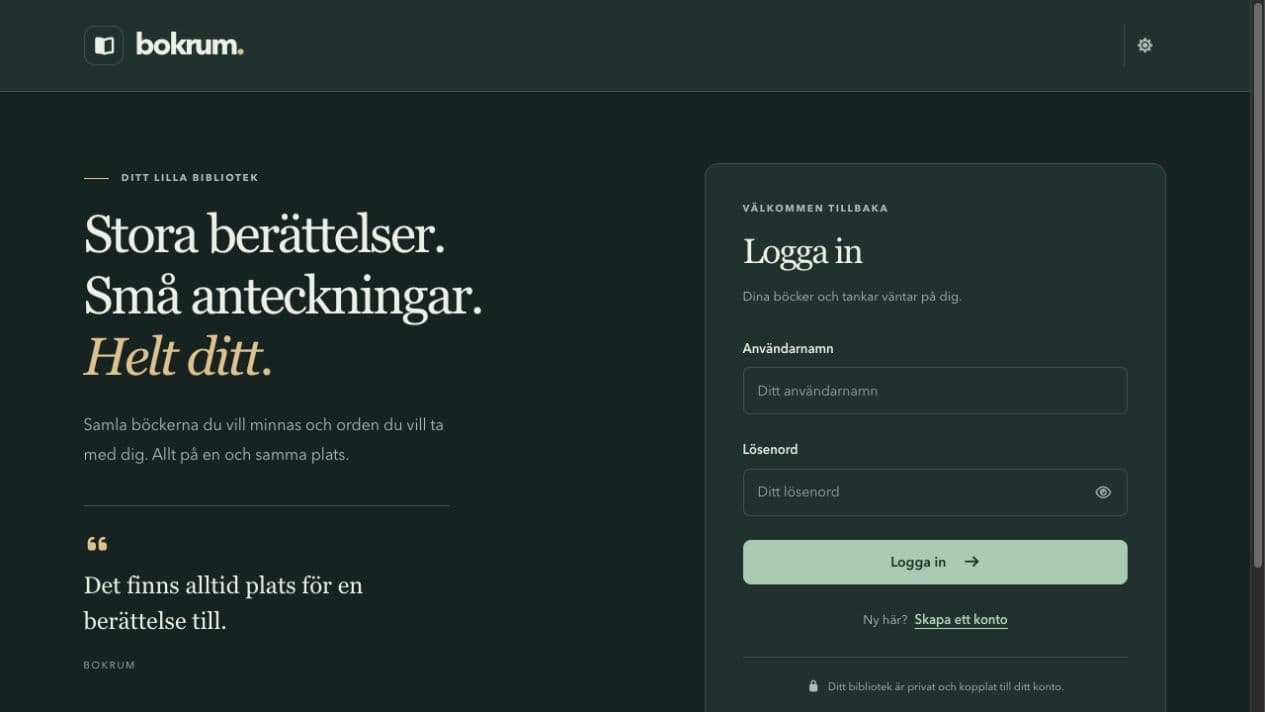
Bokrum lets users keep track of their books and favourite quotes. After creating an account, they can add, view, edit and delete entries in a personal library. The interface is in Swedish, with responsive navigation and light and dark themes.
I worked across the Angular frontend and C#/.NET API, connecting forms, authentication and database operations into one complete flow.
One form, two operations
Angular's LibraryService keeps HTTP requests out of the page components. The same book form handles creation and editing, an existing ID sends an update and a new entry sends a create request.
async saveBook(data: BookInput, id?: number): Promise<void> {
  if (id !== undefined) {
    await firstValueFrom(this.http.put(`/api/books/${id}`, data));
  } else {
    await firstValueFrom(this.http.post('/api/books', data));
  }
}
The API validates the submitted data before saving it through Entity Framework Core to SQLite. Quotes follow the same CRUD structure.
Keeping each library private
Angular route guards guide users to the right page. The API enforces access as its controllers require a valid JWT and book queries check the owner as well as the requested ID. This excerpt comes from BooksController.GetById:
var userId = GetUserId();
var book = await _database.Books
    .AsNoTracking()
    .SingleOrDefaultAsync(book => book.Id == id && book.UserId == userId);

if (book is null)
    return NotFound();
Update and delete operations also check ownership. Hiding a button in the frontend would not provide that protection.
From local development to a live app
The Angular frontend runs on Vercel, with /api requests forwarded to the .NET backend on MonsterASP. A separate rewrite lets Angular routes work when opened directly or refreshed.
This project helped me connect the whole flow, from a responsive form to an authenticated API and persistent data. Next, I would add automated API tests and database migrations, and revisit the current localStorage token storage for a production authentication design.